⌘I Plain English → command
Describe what you want. The AI uses your screen, working directory, and history as context, and fills the input line with a shell command — nothing runs until you press Enter.
screen-aware context
01Claude Code, Codex, or any AI CLI — TronTerm builds AI into the terminal itself: ⌘I turns plain English into commands, ⌘E explains your screen, engines swap in one click, and agents keep running after you close the window.
▲ Press ⌘I and describe what you want — nothing runs until you press Enter.
iTerm2 and Ghostty are excellent, mature terminals — built for humans typing, not for AI redrawing the screen a thousand times a second.
When an AI TUI floods output, an ordinary terminal's main thread is busy parsing and repainting, and the UI locks up. TronTerm makes jank architecturally impossible: PTY reads and VT parsing run on background queues, the main thread only handles your input and drawing; rendering coalesces to 60 fps and only ever paints the latest frame; scrollback and memory have hard ceilings.
Rendering rides the mature CoreText + NSView system path — no custom GPU pipeline to destabilize your Mac. The AI core runs as an isolated subprocess: if it dies, your terminal doesn't even notice.
Other AI terminals lock you to one provider and make you paste an API key. TronTerm doesn't.
Describe what you want. The AI uses your screen, working directory, and history as context, and fills the input line with a shell command — nothing runs until you press Enter.
Ask what an error means and how to fix it — you get the exact command to run. No copy-pasting into another window.
On launch TronTerm scans your PATH and lists the AI CLIs you already have — claude, codex, gemini, llm, ollama, and more. Switch from the AI ▸ Engine menu; add a custom command too.
tt-daemon keeps sessions alive independently of the window. Kick off an agent, close the window, reattach later — the shell and your agent kept running, and you rejoin the live stream, not a frozen snapshot. No tmux to install or learn.
Parsing runs off the main thread, rendering coalesces to 60 fps and only paints the latest frame, memory has a provable ceiling. A thousand redraws a second stays smooth.
Command history and AI interactions live in a local SQLite database (~/.tronterm/tronterm.db). Not a byte leaves your machine. Delete it whenever you like.
The AI is a bonus — the daily essentials are all here.
Actual captures from TronTerm's own development — TronTerm is built using TronTerm.
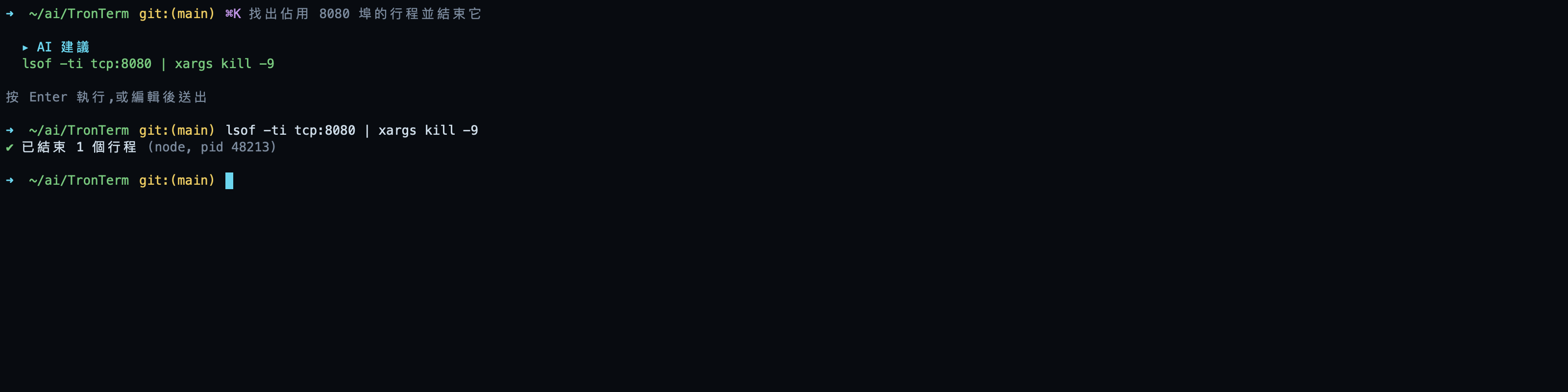
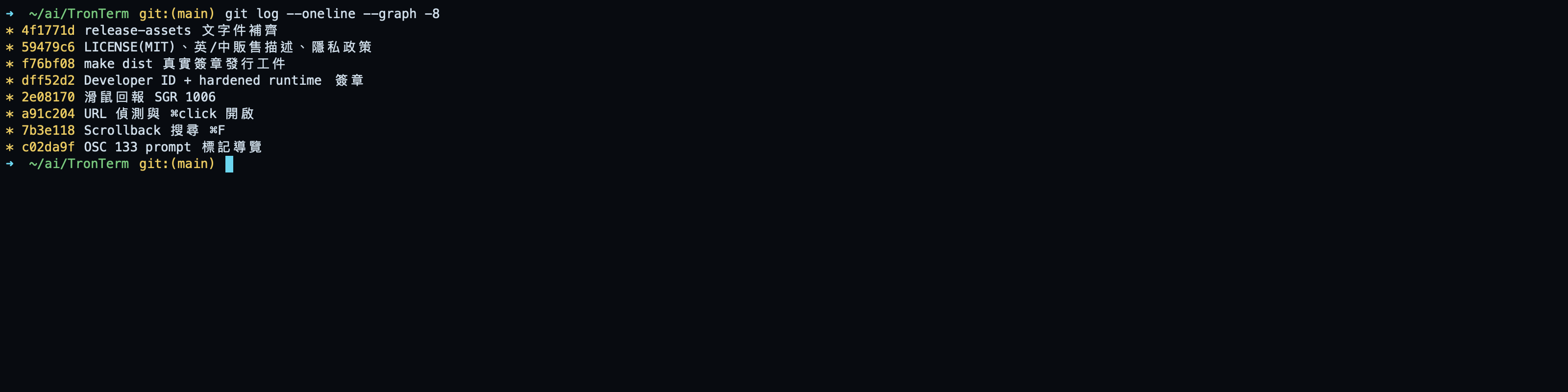
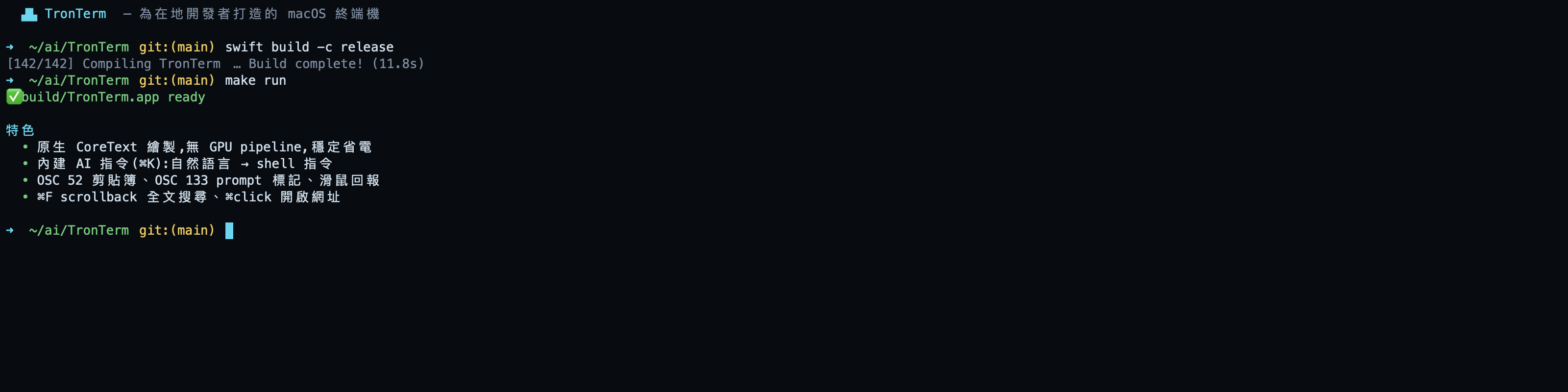
AI takes exactly two shortcuts: ⌘I to ask, ⌘E to explain. Everything else you already know. The Quick Terminal global hotkey is configurable.
Developer ID signed and notarized by Apple — drag to Applications and it just opens, no security warnings. No account either.
Your installed AI CLIs are auto-detected. Already using Claude Code? Nothing to configure. Switch to codex, gemini, ollama, or a custom command from the AI ▸ Engine menu.
Describe the task; the AI fills the input line with a command. Review it, press Enter to run — you stay in control, always.
Nothing — TronTerm is free. No paid tier, no license key, no account. Every feature, including ⌘I / ⌘E and session persistence, is open to everyone. The AI features use CLIs you already have (like Claude Code), so there is no extra AI charge either.
No. TronTerm's engines are the AI CLIs on your machine — it auto-detects claude, codex, gemini, llm, ollama, and more from your PATH, and uses whichever you pick, already logged in. No keys to paste, no SDK lock-in.
Those are excellent, mature general-purpose terminals, and TronTerm isn't trying to out-feature them. The difference is focus: TronTerm is an AI cockpit — AI built in (⌘I / ⌘E) and vendor-neutral, no freezing under AI output floods, and agents that survive closing the window. If you live in AI CLIs, you'll use all three every day.
tt-daemon keeps sessions alive independently of the window: start an agent, close the window, reopen TronTerm later and reattach — the shell and the agent kept running. Native session persistence; no tmux to install or learn.
No. TronTerm has no servers, no accounts, no analytics. History and AI interactions live in a local SQLite database (~/.tronterm/tronterm.db). Only when you press ⌘I / ⌘E is screen context handed to the AI CLI you configured — how that data is handled is governed by the provider you chose.
macOS 13 Ventura or later. The app is Developer ID signed and notarized by Apple, so downloads open without warnings. The UI ships in English, Traditional Chinese, Japanese, Korean, German, French, and Spanish.
Download, open, press ⌘I — three minutes from now, your terminal is an AI cockpit.
brew install --cask pct/tap/trontermmacOS 13 Ventura or later · Developer ID signed · notarized by Apple